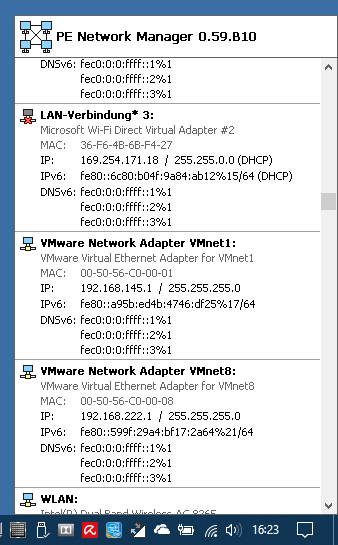
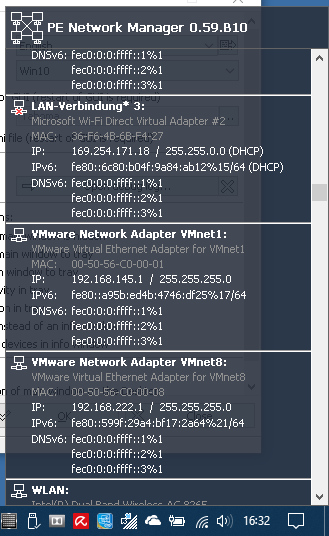
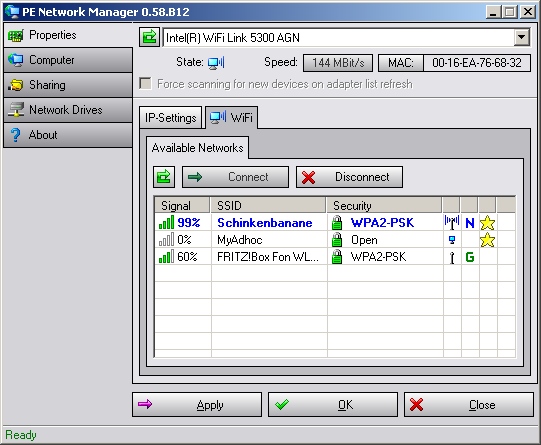
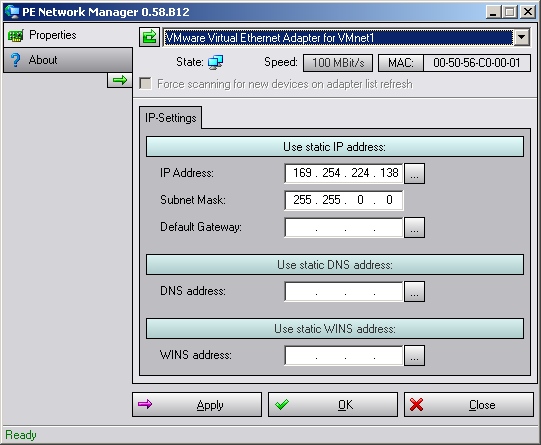
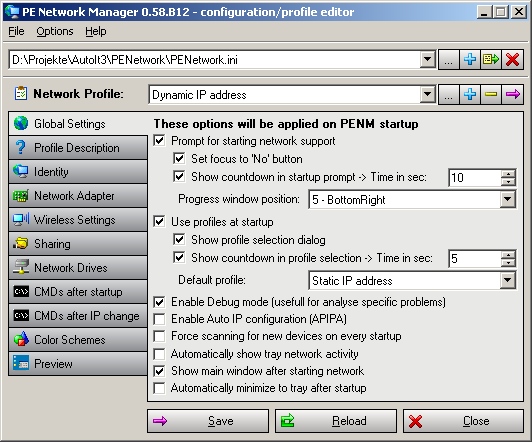
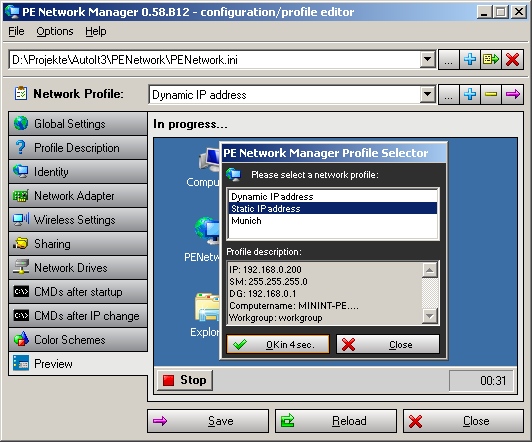
I'm testing some changes to the tray info window and experimental IPv6 support: for now only displaying IPv6 addresses, later also applying IPv6 settings.
Now I just have to figure out how to integrate this into the GUI.
A resizable GUI is also still on my to-do list.
Improved display on higher DPI settings will come with the next Beta 10, which will be released in December at the latest.
I'm currently working on Unicode support for WiFi networks. Windows 10 has this functionality built in. I've got some basic scripts working that correctly convert the Unicode SSID from the multibyte string. Now I have to implement this in PENM.
There are also some things that no longer work in Windows 10; for example, the DHCP lease times are no longer stored correctly in the registry, so I wrote a workaround for that.
Sometimes I have no idea why it is like it is in the world of Microsoft.
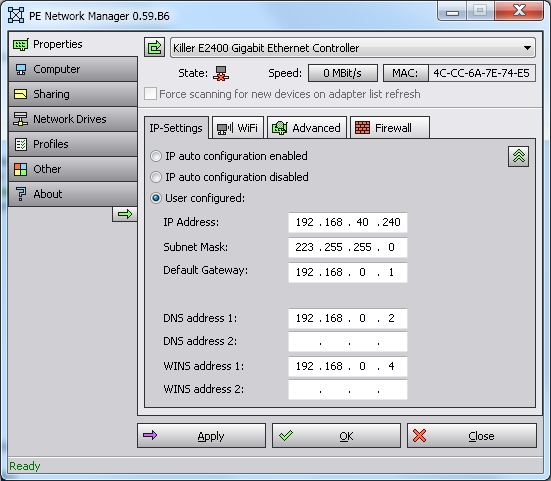
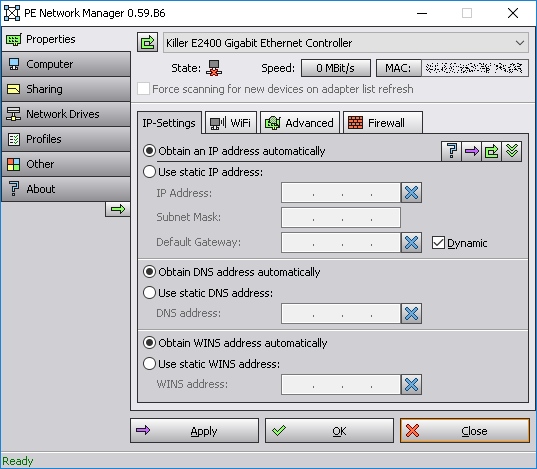
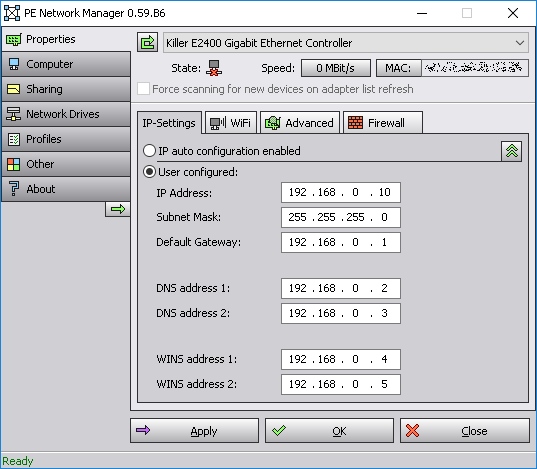
The alternate IP address settings seem to work, so I will publish this version in a few weeks. I still have to do some cleanup and rechecking of the code because of the GUI changes, which you can see below in my post from August.
I had to change the GUI a little because I also moved the IP autoconfiguration enable/disable settings to this page:
The updated GUI is nearly ready with Beta 6. At the moment I'm working on the last few things for the alternative IP settings GUI:
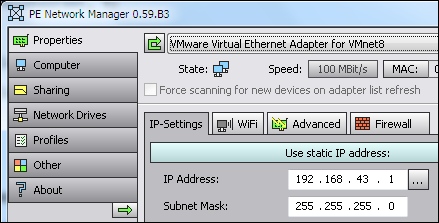
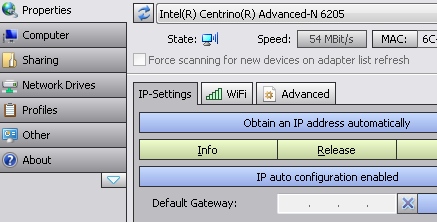
I'm now working on version 0.59 Beta 3. I've already fixed some strange behavior and changed the icons a little:
I'm currently working on 0.59 Beta 1. The /ini and /profile command-line parameters now also work for the profile editor.
I'm also working on some GUI changes so that PENM and the editor use the OS default font, which makes the interfaces work better with different/higher DPI settings.
The next step will be finishing support for ini-defined icons, which I started in v0.58 Beta 12 but couldn't finish, so I removed it from 0.58. And a few other things...
I added a simple GUI disable mask that lets you hide specific tabs, etc. via the ini file, the registry or the command line. The pages "Properties", "About", "IP-settings" and, if WiFi is not disabled, "Available networks" are always shown:
I'm still rewriting the editor and have added some more command-line options along the way:
For example, there will be a small preview window where you can see how the options affect PENM's behavior.
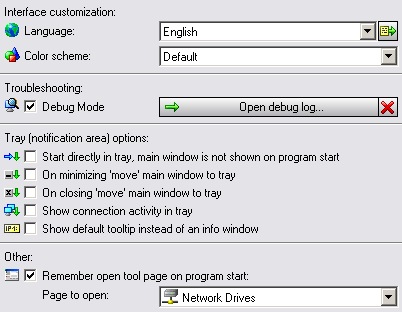
The 'Other' page will be changed and will get some new options:
There will also be an option to switch the internal use of WMI for applying IP settings on or off, for experimental purposes.
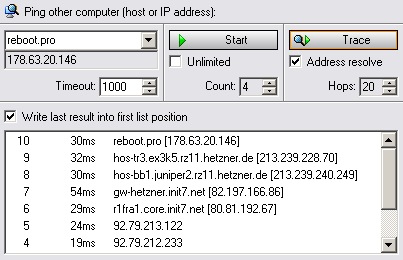
Built-in internal 'ping', which can also easily be used as 'trace'. The last ping/trace addresses are saved as well.
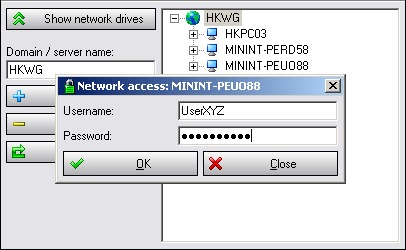
A small enhancement in the network browsing view: if a connection requires additional credentials, a small popup appears where you can enter them:
The network drive list is also refreshed automatically when you switch back to the drive list.
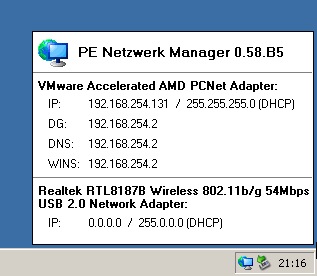
I will implement a new feature: left-clicking the tray icon opens a small tray info window with more information than the small default tooltip: